




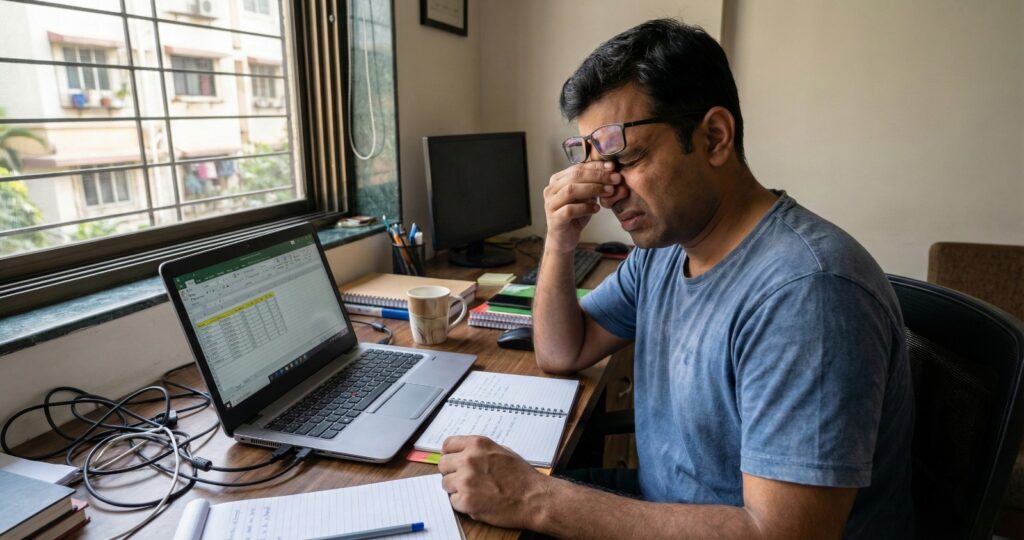
If you spend hours on a computer screen, you already know the pattern. Your eyes start feeling dry, the words look a bit blurry, a mild headache creeps in, and you keep blinking hard hoping it will sort itself out. This is what most people experience as Computer Vision Syndrome (CVS), also called digital eye strain, and it usually shows up when your eyes are forced to stay in near focus for too long while dealing with brightness, glare, and an awkward workspace.
The good part is that relief can be quick. With a few small changes, you can get digital eye strain relief, cut down eye strain from computer work, and relieve tired eyes instantly—especially when symptoms are just starting.
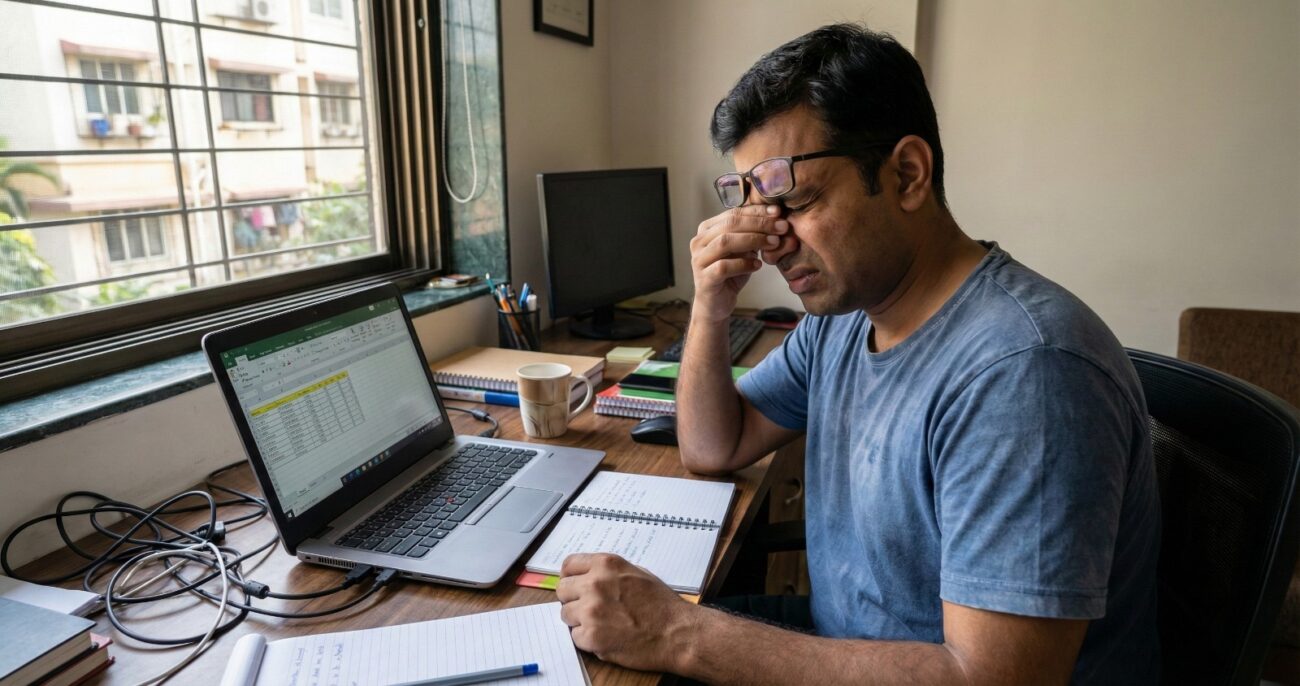
What is Computer Vision Syndrome?
Computer Vision Syndrome is a set of eye and vision problems linked to prolonged computer use or the use of digital devices. The common digital eye strain symptoms include headaches, dry eyes, burning, watering, blurred vision, and trouble shifting focus from near to far. You may also notice neck and shoulder pain because when the eyes struggle, the body naturally leans in and tenses up, which adds to fatigue.
A big reason CVS feels so immediate is blinking. While looking at a screen, many computer users blink less and often blink incompletely, which leads to more tear evaporation, so the eyes feel dry, irritated, and tired faster than you’d expect.
5 Instant Ways to Relieve Digital Eye Strain
1. Use the 20-20-20 reset so your focus actually relaxes
When you work at a computer, your eyes stay locked into near vision for long stretches, and the focusing system gets overworked. The simplest reset is the 20-20-20 rule, where every 20 minutes you look about 20 feet away for 20 seconds, and it helps because it gives your eyes a break from constant near focus without disrupting your workflow.
How to do it
- Set a gentle timer for every 20 minutes on your phone or laptop.
- Look out of a window or at the far end of the room for 20 seconds.
- Let your shoulders drop and breathe out slowly, because tension adds to eye discomfort.
- Come back only after the full 20 seconds, not “just one more line”.
2. Do a blink reset to keep eyes moist and reduce dryness fast
Screen time changes your blink pattern, which is why CVS symptoms often start with dryness and irritation. Blinking spreads the tear film across the eye, and when you blink less (or half-blink), the surface dries out, and that dryness can even make vision look slightly blurry. If your main issue is dry eye or scratchy eyes during computer work, this quick drill can help.
How to do it
- Blink normally 5 times, then do 5 slow full blinks, closing gently and completely each time.
- Do 2 more blinks where you close fully, hold for one second, and release, without squeezing too hard.
- If you use a computer for long hours with a contact lens, try switching to glasses for part of the day.
- If dryness is strong, use lubricating eye drops (artificial tears) as per the label directions.
3. Reduce glare and match monitor brightness to the room
Sometimes the problem is not your eyes, it’s your setup. Glare from windows, harsh tube lights, reflections, and a screen that’s too bright compared to the room makes your eyes work harder than needed, and you end up squinting without realising it. Fixing glare and monitor brightness often gives immediate comfort because your eyes stop “fighting” the screen.
How to do it
- Lower monitor brightness until it matches your room lighting, not brighter than it.
- Tilt and reposition the screen so you don’t see reflections.
- If sunlight hits your screen, use curtains or shift your desk slightly.
- Consider an anti-glare screen or matte screen guard if reflections are unavoidable.
- Increase font size and contrast, because tiny text is a silent trigger for computer eye fatigue.
4. Correct focus distance and eye level, because posture and vision are connected
When the monitor is too close, too high, or off-centre, your eyes strain and your neck follows, and that’s when you get the full combo: eye strain, headaches, fatigue, and that “heavy eyes” feeling. A basic ergonomic workspace adjustment often improves comfort straight away, even if it feels like a small change.
How to do it
- Keep the screen about an arm’s length away, so your focus distance feels natural.
- Place the monitor so your gaze falls slightly downward, not upward, because looking up can worsen dryness.
- Keep the screen centred so your eyes aren’t constantly shifting sideways.
- Sit back with back support and keep feet flat, because your head position affects eye alignment.
5. Cut tear evaporation triggers, and add quick relaxation support when needed
If your eyes feel dry mainly in AC rooms, near a fan, or during long, uninterrupted computer usage, the issue is usually faster tear evaporation plus reduced blinking. You can improve this quickly by controlling airflow and adding moisture support, and it makes a big difference during long workdays.
How to do it
- Don’t let the fan or AC blow directly onto your face; even a small angle change helps.
- Keep water at your desk and sip regularly during the day.
- Take micro breaks where you close your eyes for 10 seconds, then open and blink slowly.
- Use lubricating drops when required, especially if you feel dryness building up.
Optional add-on: Eye massager for quick relief during breaks
If your eye discomfort comes with tension, heaviness around the eyes, or screen fatigue after prolonged computer use, gentle warmth and relaxation can feel soothing during your break.
Many people use a warm compress at home, and if you prefer a hands-free option, you can also consider an electric eye massager that combines heat and gentle vibration for relaxation.
How to use it safely
- Use it during a break, not while working, and keep sessions short (as per the product instructions).
- Avoid use if you have an active eye infection, new redness with pain, recent eye surgery, or any sudden vision problems.
- If headaches, double vision, or persistent blurry vision continue, an eye check is the best next step.
Recap / What to Do Next
If you want a simple plan for today, start with the 20-20-20 rule, add a blink reset whenever dryness begins, then fix glare and monitor brightness, and finally adjust your focus distance and ergonomic workspace so your eyes and posture aren’t struggling together.
And if CVS symptoms like headaches, blurred vision, or eye discomfort keep coming back even after these changes, it’s worth getting your vision checked, because sometimes the root cause is an uncorrected lens power, dry eye that needs proper management, or vision problems that show up more clearly during computer work.